campaign
creatives

7 Best Campaign Reporting Automation Software Tools To Maximize ROI
This guide examines seven proven campaign reporting automation software solutions that eliminate manual reporting drudgery, save 10+ hours weekly, and provide real-time insights for faster, data-driven campaign decisions.
Marketing teams waste an average of 10+ hours weekly compiling campaign data from multiple platforms into coherent reports. You're probably familiar with the drill: logging into Facebook Ads Manager, then Google Ads, then your email platform, copying numbers into spreadsheets, creating charts, and formatting everything before your Monday morning meeting. By the time you finish, the data's already outdated.
Campaign reporting automation software eliminates this manual drudgery by connecting all your marketing platforms, automatically pulling performance data, and generating comprehensive reports on schedule. These tools don't just save time—they provide real-time insights that help you make faster, data-driven decisions about your campaigns.
The challenge? With dozens of reporting tools available, each claiming to be the "complete solution," choosing the right one for your specific needs can feel overwhelming. Some excel at social media analytics, others at paid advertising, and a few attempt to do everything (with varying degrees of success).
This guide examines seven proven campaign reporting automation software solutions, focusing on their automation capabilities, integration ecosystems, and real-world applications. Whether you're managing campaigns for a small business or coordinating marketing efforts across multiple clients, you'll find a tool that fits your workflow and budget.
1. Supermetrics
Best for: Marketing agencies and teams managing multiple client accounts across various platforms
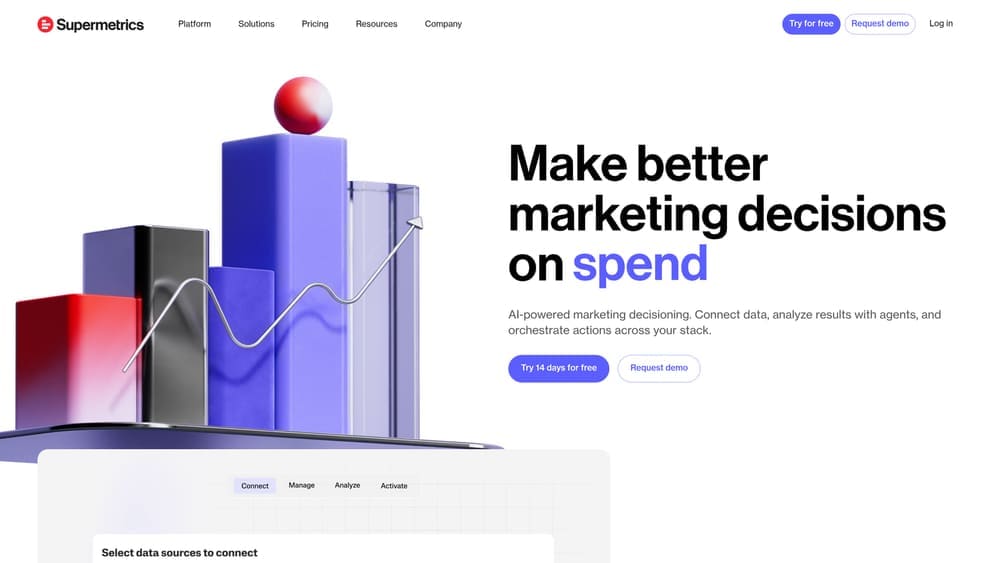
Supermetrics has built its reputation on one core strength: data connectivity that puts you in control of where and how you analyze your marketing performance.
Where This Tool Shines
Supermetrics excels at being the invisible infrastructure behind your reporting workflow. Rather than forcing you into a proprietary dashboard, it delivers clean, structured data wherever you already work—Google Sheets, Excel, Power BI, Tableau, or your data warehouse.
This approach resonates particularly well with agencies that have established reporting templates and don't want to rebuild everything from scratch. The platform's scheduling capabilities mean your reports update automatically overnight, so your team always works with current data. For teams managing multiple client accounts across Facebook, Google, LinkedIn, and other platforms, Supermetrics eliminates the daily data collection grind that can consume entire mornings.
Key Features & Capabilities
Extensive Platform Connectivity: Direct integrations with over 100 marketing platforms including all major ad networks, analytics tools, and social media channels.
Flexible Scheduling Options: Automated data refresh scheduling with hourly, daily, or weekly intervals to match your reporting cadence.
Custom Data Transformation: Built-in capabilities for metric calculations, currency conversions, and data normalization across platforms.
Historical Data Access: Backfill functionality lets you pull historical data for long-term trend analysis and year-over-year comparisons.
Multi-Account Management: Efficiently handle numerous client accounts with organized data structures and bulk operations.
Best For / Ideal Users
Marketing agencies with established reporting workflows who value data ownership and customization over pre-built templates. Data analysts who prefer working in spreadsheets or business intelligence tools rather than learning new dashboard interfaces.
Enterprise teams that need flexible data infrastructure to feed multiple systems—from executive dashboards to detailed performance analysis—will find Supermetrics adapts to complex requirements.
If you have team members comfortable with formulas and data structures, and you're willing to invest setup time for long-term flexibility, Supermetrics delivers exceptional value.
Pricing
Plans start at $99/month for basic connectors, with agency plans scaling based on the number of data sources and destinations. Enterprise pricing available for organizations requiring advanced features and dedicated support.
2. Whatagraph
Best for: Agencies needing white-labeled, client-ready reports with minimal manual formatting
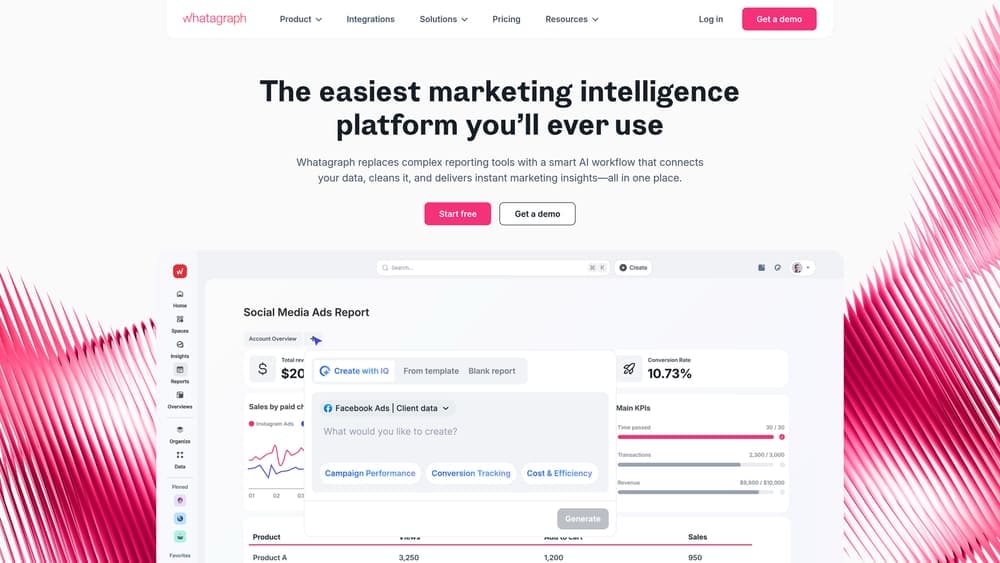
Whatagraph is an AI-powered marketing intelligence platform that transforms raw campaign data into polished, presentation-ready reports you can send directly to clients without additional formatting work.
Where This Tool Shines
Whatagraph's drag-and-drop report builder eliminates the hours agencies typically spend making reports "look professional." The platform automatically generates appropriate visualizations based on your data—choosing bar charts for comparisons, line graphs for trends, and pie charts for distribution—without requiring design decisions from you.
The white-labeling capabilities extend beyond just adding your logo. You can customize colors, fonts, and even the URL of client portals to match your agency's brand identity completely. Clients access their reports through branded portals that feel like part of your service offering, not a third-party tool. This self-service approach significantly reduces the "can you resend last month's report?" emails that interrupt your workflow throughout the day.
Key Features & Capabilities
45+ Native Integrations: Connects directly to major platforms including Google Ads, Facebook Ads, Instagram, LinkedIn, Google Analytics, and email marketing tools.
Template Library: Pre-built report structures for common scenarios like social media overviews, PPC performance, and cross-channel comparisons that you can customize.
Automated Scheduling: Set reports to generate and email automatically on your chosen schedule—weekly, monthly, or custom intervals.
Client Portal Access: Stakeholders log in to view current reports anytime without requiring separate credentials for each data source.
Cross-Channel Widgets: Compare performance across platforms in single visualizations, making it easy to identify which channels drive results.
Best For / Ideal Users
Marketing agencies managing multiple client accounts who need to deliver professional reports consistently. Particularly valuable if you currently spend significant time in PowerPoint or design tools making data "presentable" rather than analyzing performance.
Freelance marketers handling 3-10 clients benefit from the template replication—set up one report structure, then clone it for similar clients with minimal adjustments.
In-house teams sharing reports with non-technical executives appreciate how Whatagraph translates complex campaign data into executive-friendly visualizations that tell clear stories.
Pricing
Plans begin at $249/month for up to 10 data sources, scaling based on the number of sources and team members who need access. Annual subscriptions offer approximately 20% savings compared to monthly billing.
3. Google Data Studio (Looker Studio)
Best for: Budget-conscious teams already invested in the Google Marketing Platform ecosystem
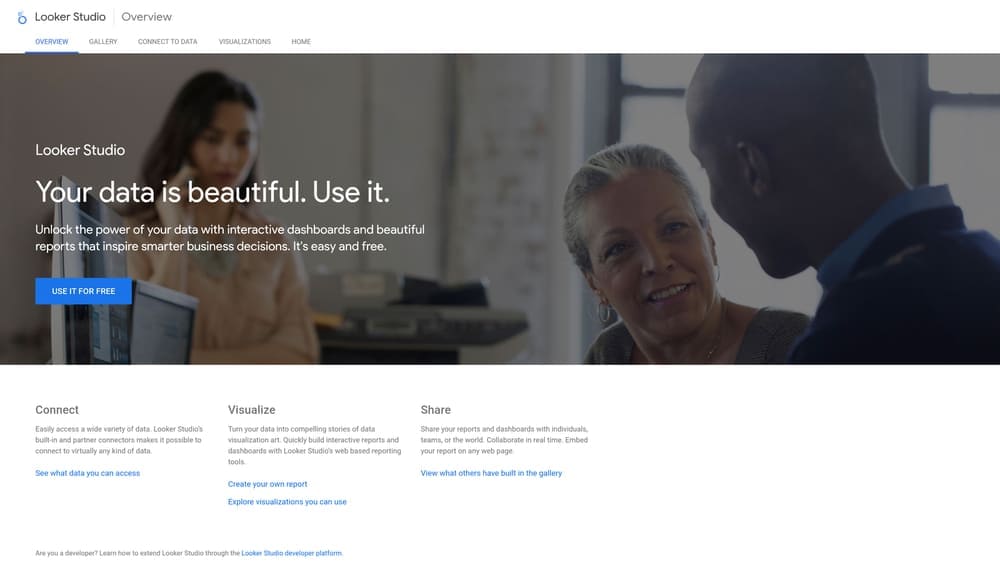
Google Data Studio offers surprisingly robust automation capabilities for teams willing to invest time in setup.
Where This Tool Shines
Data Studio's native integration with Google products—Analytics, Ads, Search Console, Sheets—means zero setup friction for these data sources. Reports automatically refresh when underlying data changes, and the sharing model mirrors Google Docs, making collaboration intuitive for teams already using Google Workspace.
The platform's calculated fields feature allows sophisticated data manipulation without requiring SQL knowledge. For businesses running primarily Google-based campaigns, Data Studio provides professional reporting capabilities without additional software costs. The community-created connector library extends functionality to non-Google platforms, though quality varies significantly depending on the connector developer.
Key Features & Capabilities
Unlimited Reports: Create as many dashboards as needed without hitting usage caps or incurring additional costs.
Native Google Integration: Seamless connections to Analytics, Ads, Search Console, YouTube, and Sheets with automatic authentication.
Community Connectors: Access third-party platform data through community-built connectors, expanding beyond Google's ecosystem.
Real-Time Refresh: Reports update automatically when source data changes, ensuring stakeholders always see current metrics.
Collaborative Editing: Multiple team members can edit reports simultaneously, with familiar Google-style permissions and sharing.
Embeddable Reports: Share dashboards via link or embed them directly into websites and internal portals for always-accessible data.
Best For / Ideal Users
Small businesses with limited budgets who need professional reporting without subscription costs. Startups focused primarily on Google Ads and Analytics benefit from the seamless integration without learning new platforms.
Marketing teams comfortable with a learning curve in exchange for cost savings. The platform requires more hands-on setup than paid alternatives, but delivers comparable results for patient users.
Agencies supplementing paid tools with custom client dashboards. Data Studio works well as a secondary solution for specific clients or reporting scenarios where premium tools aren't justified.
Pricing
Completely free for standard use. Google charges only if you exceed data processing limits (rare for most businesses) or require enterprise-level support through Looker Studio Pro, which adds advanced features and dedicated assistance.
4. Klipfolio
Best for: Data-driven teams wanting real-time dashboards with advanced customization options
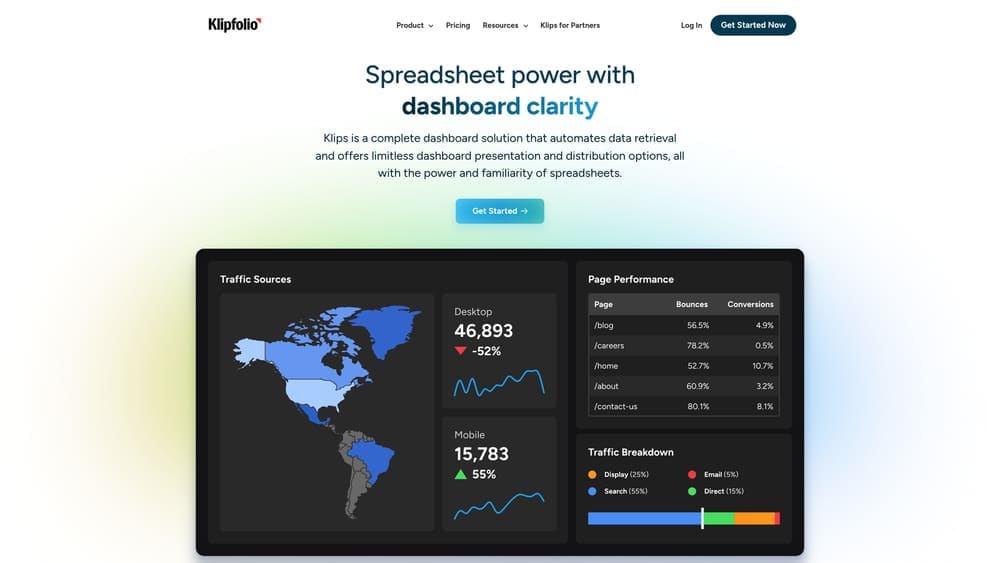
Klipfolio combines spreadsheet-like functionality with dashboard clarity, positioning itself as a business intelligence platform specifically designed for marketing teams who need more than basic metric tracking.
Where This Tool Shines
Klipfolio's PowerMetrics feature allows you to define custom KPIs that combine data from multiple sources, creating unified metrics that reflect your actual business goals rather than platform-specific vanity metrics. Instead of looking at Facebook ROAS in one place and Google Ads conversion rate in another, you can build a single "Marketing Efficiency Score" that weighs both channels according to your business priorities.
The platform updates dashboards in real-time, making it valuable for teams monitoring active campaigns or running time-sensitive promotions. When you're managing flash sales or limited-time offers, seeing data refresh every few minutes rather than waiting for overnight updates can mean the difference between catching problems early and discovering them too late. The metric library includes pre-built formulas for common marketing calculations, reducing setup time while maintaining flexibility for custom scenarios.
Key Features & Capabilities
Real-time dashboard updates: Monitor active campaigns with data that refreshes continuously rather than on scheduled intervals.
130+ pre-built integrations: Connect marketing platforms, analytics tools, CRM systems, and business applications through native connectors.
Custom metric builder: Combine data from multiple sources using spreadsheet-like formulas to create KPIs that match your business logic.
Alert system: Set performance thresholds that trigger notifications when metrics exceed or fall below specified values.
TV mode displays: Present dashboards on office screens to keep performance visible to the entire team throughout the day.
Mobile apps: Access dashboards from iOS and Android devices for monitoring campaigns while away from your desk.
Best For / Ideal Users
Performance marketing teams tracking real-time campaign metrics across multiple platforms benefit most from Klipfolio's live data capabilities. If you're running paid campaigns where budget pacing matters or managing promotions where timing is critical, the real-time updates provide actionable visibility.
SaaS companies monitoring growth KPIs alongside marketing data find value in Klipfolio's ability to blend marketing metrics with product usage data, customer health scores, and revenue figures. The custom metric builder lets you create composite scores that reflect your specific growth model.
Organizations wanting visible dashboards in office spaces use Klipfolio's TV mode to maintain team awareness of key metrics. When everyone can glance at a wall-mounted dashboard showing current performance, it creates accountability and shared focus.
Pricing
Plans start at $90/month for basic dashboards with limited data sources and users. Pricing increases based on the number of users, data sources, and refresh frequency requirements. Enterprise plans include dedicated support, advanced security features, and custom data retention policies.
5. AgencyAnalytics
Best for: Digital marketing agencies managing comprehensive client reporting across all services
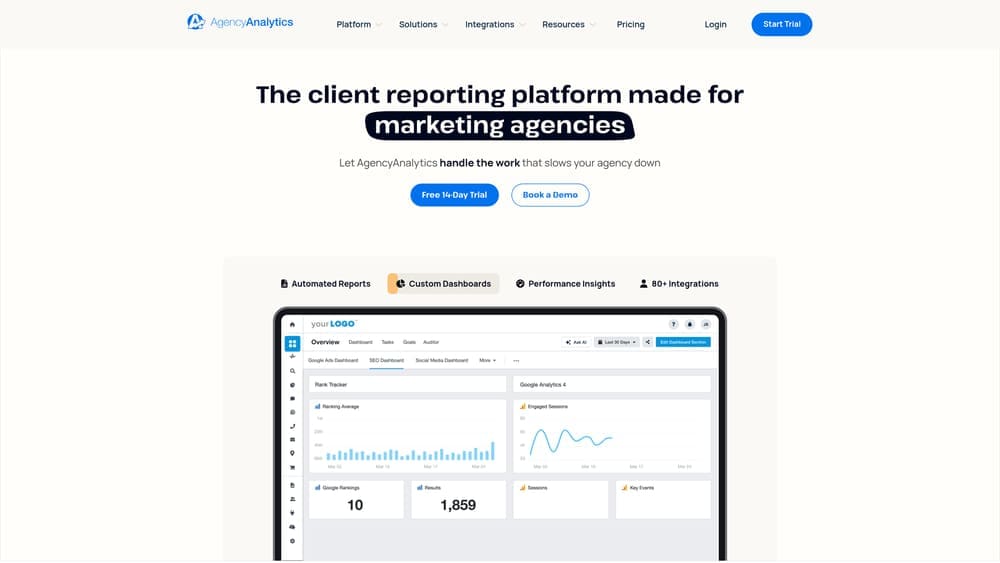
AgencyAnalytics specifically targets agency workflows, offering features designed around client management, white-labeling, and multi-service reporting.
Where This Tool Shines
AgencyAnalytics consolidates reporting for agencies offering multiple services under one roof. The platform's client management system goes beyond basic reporting—each client receives a dedicated dashboard that updates automatically, eliminating the "can you send me last month's numbers?" emails that interrupt your workflow.
The built-in SEO tools set AgencyAnalytics apart from pure reporting platforms. You get rank tracking, site audits, and backlink monitoring without paying for separate subscriptions. For agencies billing SEO services separately from paid advertising or social media management, this integrated approach simplifies your tech stack while reducing monthly software costs.
Key Features & Capabilities
80+ Marketing Platform Integrations: Connects major advertising networks, analytics tools, social platforms, and SEO data sources into unified client dashboards.
Built-in SEO Rank Tracking: Monitor keyword positions across search engines without requiring separate rank tracking software subscriptions.
Automated Report Scheduling: Set up client reports to generate and deliver automatically on your chosen schedule—weekly, monthly, or custom intervals.
White-Label Branding: Apply your agency logo, colors, and custom domain across all client-facing reports and portal access.
Staff Account Management: Grant team members access to specific clients with role-based permissions, maintaining security while enabling collaboration.
Client Portal Access: Clients log into branded portals to view their dashboards anytime, reducing report distribution overhead.
Best For / Ideal Users
Full-service digital marketing agencies offering SEO, PPC, social media, and content marketing need reporting that reflects this service breadth. AgencyAnalytics accommodates this multi-service model better than specialized tools focused on single channels.
SEO agencies particularly benefit from the integrated rank tracking and site audit features. Rather than cobbling together separate tools for reporting and SEO monitoring, you manage everything in one platform.
Consultants managing long-term client relationships appreciate the client portal functionality. When clients can access their performance data independently, you spend less time fielding basic reporting requests and more time on strategic work.
Pricing
Plans begin at $59/month for freelancers managing up to 5 clients. Agency plans start at $149/month for 10 clients, with pricing scaling based on client count. Custom enterprise options accommodate larger agencies with specific requirements.
6. Funnel.io
Best for: Enterprise marketing teams requiring sophisticated data warehousing and transformation capabilities
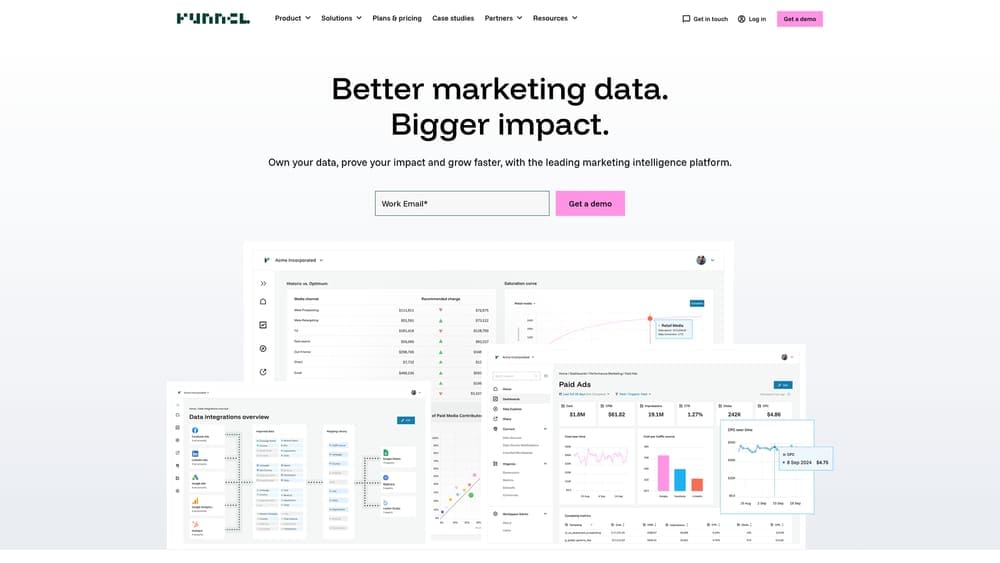
Funnel.io operates at a different level than most reporting tools—it's essentially a marketing data warehouse that collects, cleans, and standardizes data before sending it to your analytics or visualization tools.
Where This Tool Shines
Funnel's data transformation engine solves problems that plague enterprise marketing teams: inconsistent naming conventions across platforms, currency conversions for international campaigns, and attribution modeling across multiple touchpoints. The platform doesn't just connect data sources—it normalizes everything into a consistent format, making cross-platform analysis actually meaningful.
For organizations running campaigns across dozens of platforms and markets, this standardization becomes invaluable. Funnel also maintains historical data indefinitely, allowing year-over-year comparisons that aren't limited by individual platform data retention policies. The platform integrates with major data warehouses like Snowflake and BigQuery, fitting into enterprise data infrastructure rather than replacing it.
Key Features & Capabilities
500+ Data Source Connectors: Includes niche platforms and regional advertising networks that smaller tools don't support.
Advanced Data Transformation Rules: Create custom rules for normalizing campaign names, grouping data, and standardizing metrics across platforms.
Unlimited Historical Data Storage: Never lose access to historical campaign data due to platform retention limits.
Multi-Currency Support: Automatic conversion for international campaigns with configurable exchange rate sources.
Data Warehouse Integrations: Native connections to Snowflake, BigQuery, and Redshift for enterprise data infrastructure.
Custom API Connector Builder: Build connectors for proprietary platforms or internal systems without engineering resources.
Best For / Ideal Users
Enterprise marketing teams with complex data requirements across multiple markets and platforms. Global brands running campaigns in different currencies and languages. Organizations with existing data warehouse infrastructure and dedicated business intelligence teams.
Best suited for teams with data analysts or BI specialists who can leverage the platform's transformation capabilities. Companies spending $500K+ monthly on advertising typically see the strongest ROI from Funnel's enterprise features.
Pricing
Enterprise-focused pricing starts around $1,000/month, varying significantly based on data volume, number of sources, and required features. Contact required for accurate quotes tailored to specific organizational needs.
7. DashThis
Best for: Small agencies and freelancers wanting simple, affordable automated reporting without enterprise complexity
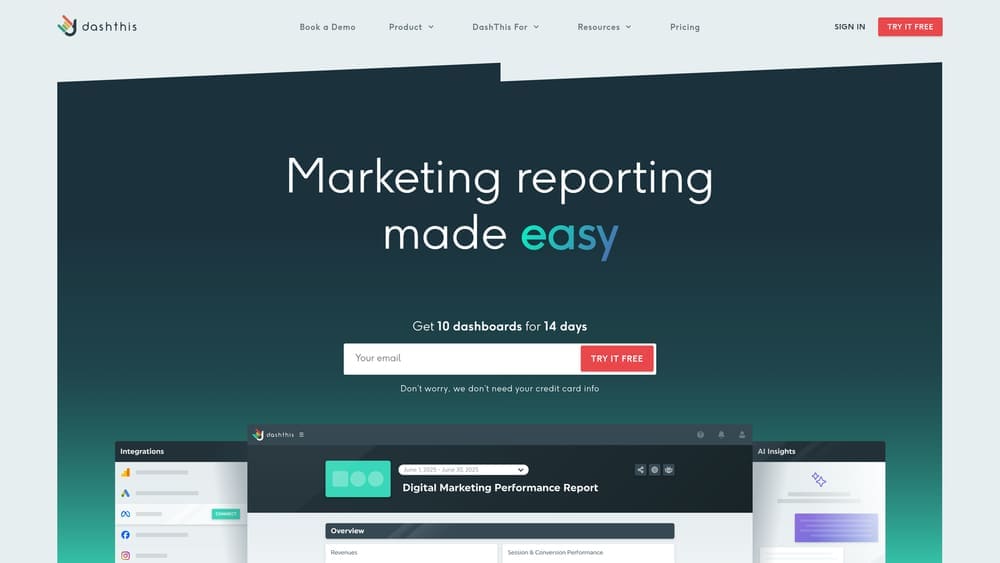
DashThis strips away the overwhelming feature sets of enterprise platforms to focus on one core mission: helping small teams create professional marketing reports quickly and affordably.
Where This Tool Shines
DashThis gets you from signup to your first automated report in under 30 minutes. The platform's pre-built templates for common scenarios—social media overview, PPC performance, SEO tracking—include sensible default metrics that actually matter, eliminating the "blank canvas paralysis" that plagues more complex tools.
For freelancers managing 3-5 clients or small agencies with limited technical resources, DashThis delivers professional reporting capabilities without requiring a data analyst on staff. The drag-and-drop interface uses plain language instead of technical jargon, making it accessible for marketers who focus on strategy rather than data engineering. Your clients receive clean, branded reports on schedule, and you spend minutes instead of hours on report creation.
Key Features & Capabilities
34 Native Integrations: Covers major platforms including Google Analytics, Facebook Ads, Instagram, LinkedIn, Google Ads, and Mailchimp without requiring API knowledge.
Unlimited Sources and Users: Every plan includes unlimited data sources and team members—no nickel-and-diming as your business grows.
Template Library: Pre-configured report layouts for common use cases that you can customize with your branding and preferred metrics.
Automated Scheduling: Set reports to generate and email automatically on your chosen schedule—weekly, monthly, or custom intervals.
White-Label Branding: Add your logo, colors, and custom domain to maintain professional brand consistency across all client touchpoints.
CSV Import: Manually add data from platforms without native integrations, keeping all client metrics in one consolidated report.
Best For / Ideal Users
Freelance marketers and consultants who need professional reporting without the learning curve or cost of enterprise platforms. Small agencies managing up to 10 clients who prioritize speed and simplicity over advanced customization. In-house marketers at small businesses who wear multiple hats and need efficient reporting that doesn't consume their entire week.
Pricing
Plans start at $42/month for 3 dashboards, with the most popular tier at $149/month covering 10 dashboards. Annual billing provides two months free. Significantly more affordable than enterprise alternatives while including unlimited data sources and users across all plans.
Putting It All Together
Selecting campaign reporting automation software ultimately depends on three factors: your reporting complexity, your technical comfort level, and your budget constraints.
For agencies prioritizing client presentation and white-labeling, Whatagraph and AgencyAnalytics deliver polished, client-ready reports with minimal effort. These platforms emphasize visual appeal and automated delivery, reducing the time you spend formatting and distributing reports.
Teams wanting maximum flexibility and data control should consider Supermetrics or Funnel.io. These tools function as data infrastructure, connecting your marketing platforms to your preferred analysis environment. They require more initial setup but offer unlimited customization possibilities.
Budget-conscious teams can achieve professional results with Google Data Studio, especially if your campaigns run primarily on Google platforms. The free price point makes it ideal for startups and small businesses, though you'll invest more time in setup and maintenance.
For real-time monitoring and executive dashboards, Klipfolio's live data visualization capabilities stand out. The platform works well for performance marketing teams that need to react quickly to campaign changes. Small agencies and freelancers often find DashThis hits the sweet spot between functionality and simplicity.
Start by identifying your primary pain point: Is it the time spent collecting data? The challenge of creating professional-looking reports? The difficulty of comparing performance across platforms? Your answer will point you toward the right solution. Most platforms offer free trials—take advantage of these to test the workflow with your actual data before committing.
The right reporting automation software transforms reporting from a dreaded weekly task into a strategic advantage. When you're not buried in spreadsheets, you have time to actually analyze performance and optimize campaigns.
Ready to streamline your campaign reporting? Learn more about our services and discover how Campaign Creatives helps businesses implement reporting automation that drives better marketing decisions.
Campaign
Creatives
quick links
contact
© 2025 Campaign Creatives.
All rights reserved.